Shoreline docs-as-code migration
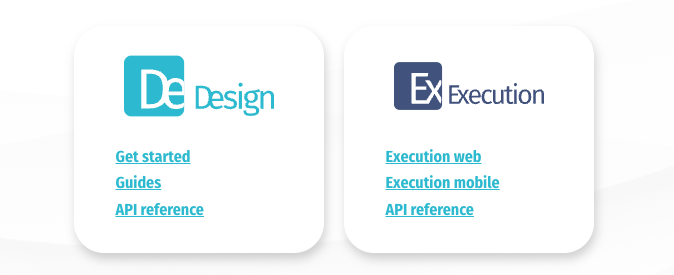
I carried out a complete content review and migration from a legacy Freshdesk solution to a modern docs-as-code workflow using Docusaurus. Documentation covered 2 products, Design and Execution, which comprised included 2 web apps, a mobile app, and 2 APIs.
I made all tooling, design, and content decisions throughout, securing buy-in and sign-off from senior management and engineering input for hosting and deployment at launch.
Over 200 pages were reviewed as part of the migration process. I worked closely with product and customer support throughout to identify stale, incorrect, or redundant information. I created new concept pages to explain the internals of the product, and designed getting-started guides to onboard new customers, taking them from a clean slate to a functional project without any direct input from customer support for the first time at the company.
The situation as I found it
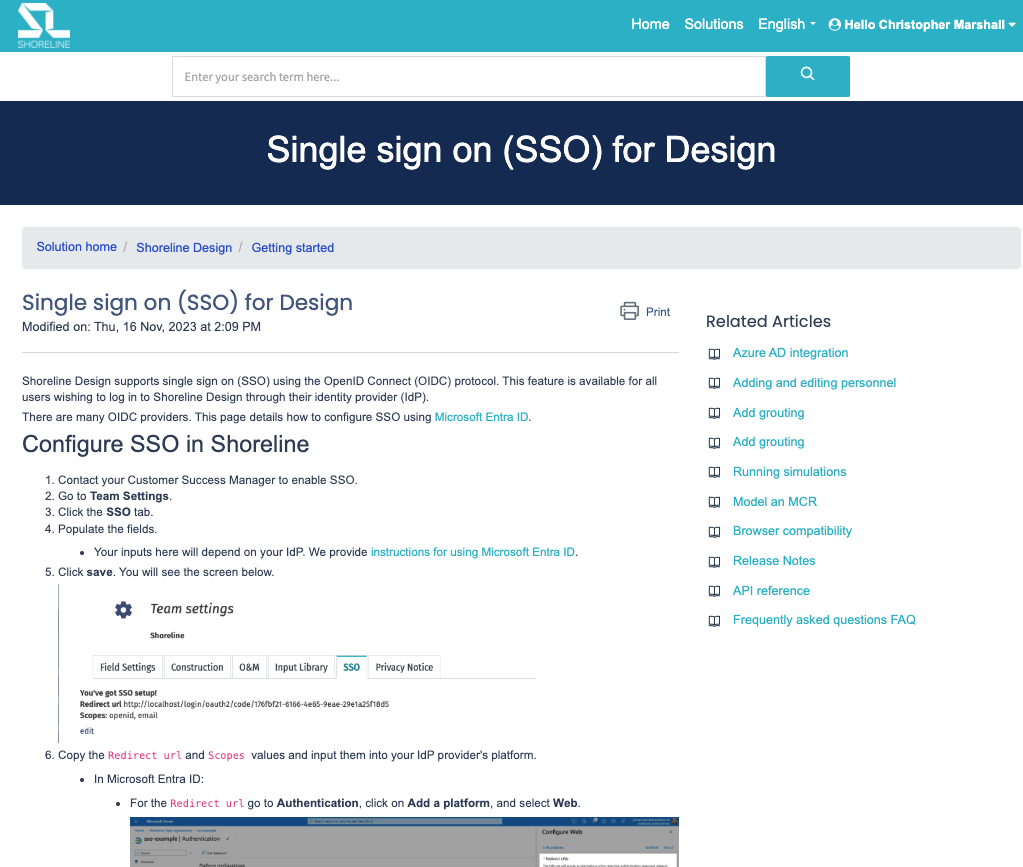
Documentation had grown organically over a number of years in a Freshdesk CMS, appended to the customer support tool. No one was responsible for maintaining the collection, so there were near-duplicate pages, outdated and incorrect information throughout.
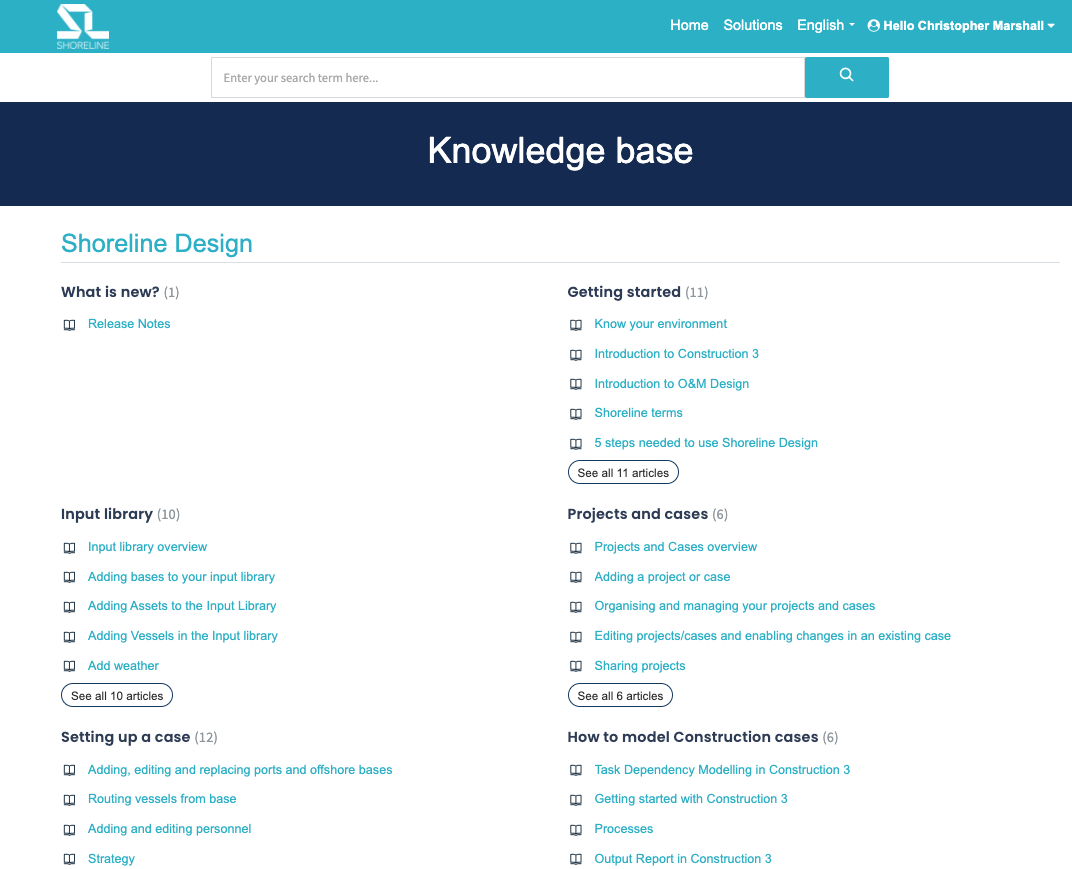
Freshdesk only allowed a single folder depth, so a large number of folders existed each containing a disorganised array of sometimes over 50 pages.
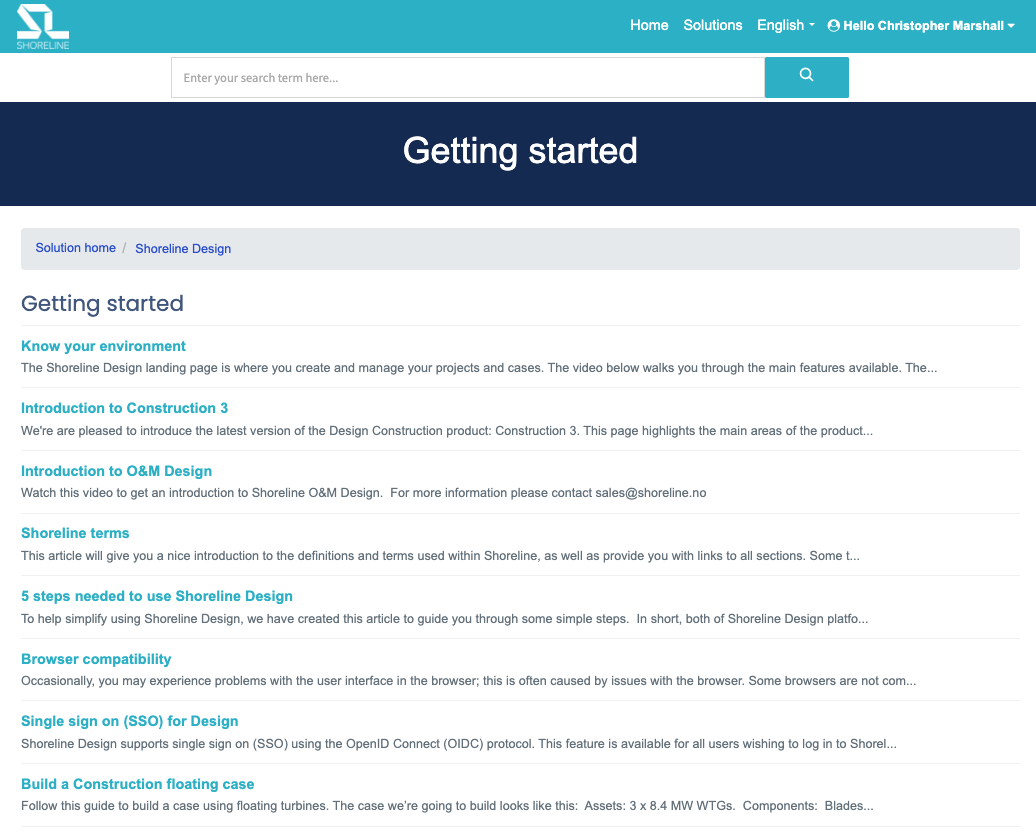
Search functionality only displayed page titles and often worked in mysterious ways.
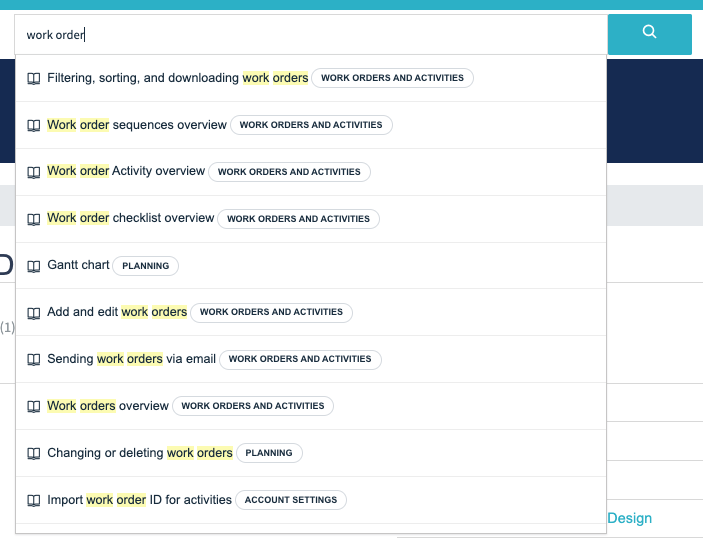
Pages were displayed without a table of contents or any navigation. Related articles were often not so related. The prominent Print button seemed a little unnecessary.
Review and restructure
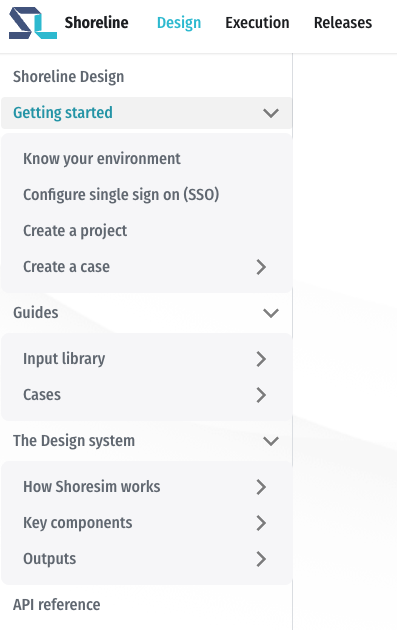
I drew up a hierarchical overview of all existing content and combed through it for pages that could be deleted, required updates, or could have content pulled from. Against this I created a new information architecture using Diátaxis principles, dividing the material between getting started guides, how-to guides, conceptual explanation pages, and reference material.
Overhaul and migration
I worked in close collaboration with product, engineering, and customer support to update everything, including extremely valuable reference material for every input throughout the entire Design dashboard, amounting to hundreds of descriptions.
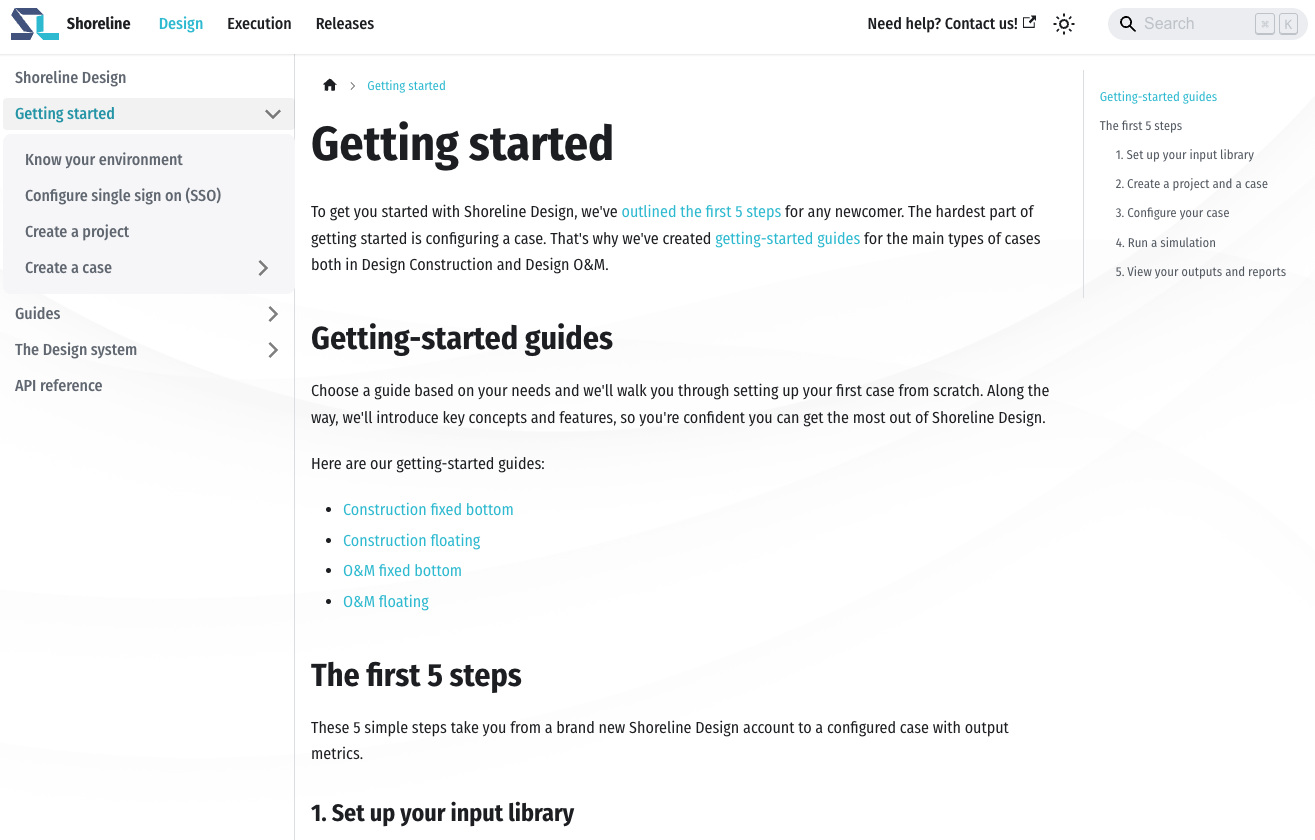
Priority was given to the getting started guides, which went live on the Freshdesk site prior to the Docusaurus site launch in order to provide onboarding support ahead of schedule.
The time-saving compromise
Because I was working alone and with constant product updates coming on staggered 2-week sprints, the timeline for launch was pushed back on a number of occasions. In the end, I suggested launching the site with one product area (Design) fully overhauled and to simply port the content for the Execution product.
Collaborating with an intern, we set up an automation pipeline to export the content from Freshdesk as HTML then port it to Markdown, scrape images from the Freshdesk site, and rename and reorganise them. We achieved a 1:1 port in under a month in this way, rapidly advancing the launch date.
A nice bonus
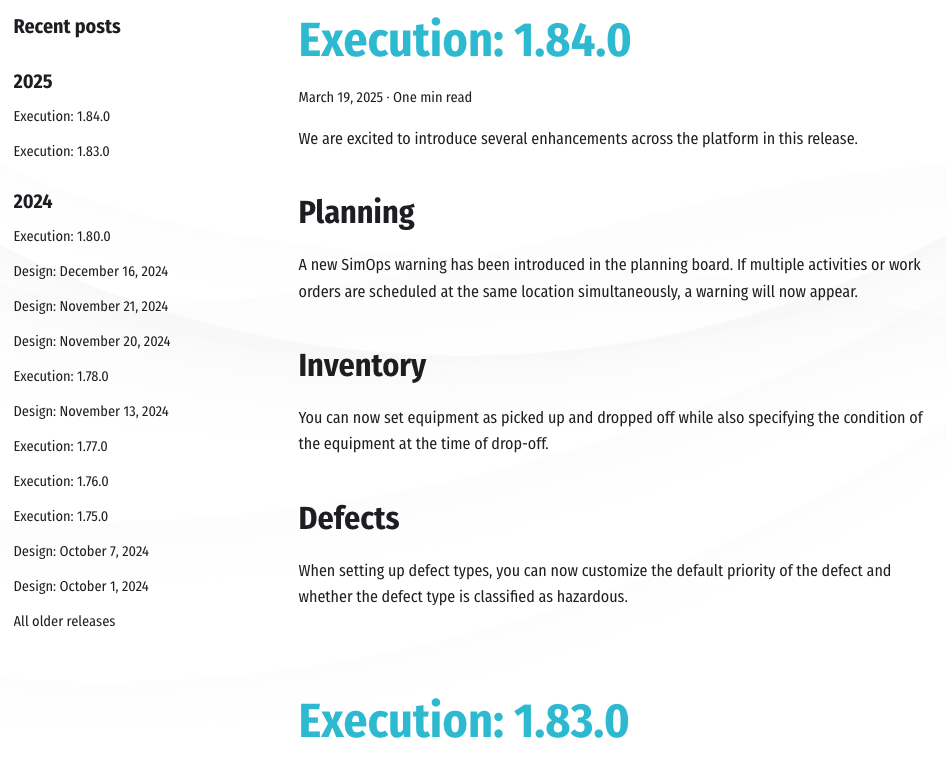
The Docusaurus blog feature allowed me to easily implement release notes as part of the documentation solution, providing an easy win for the product team.
An example page
Below is a full-page screenshot of one of the getting-started guides on the Docusaurus site.
Show the full page

The result
The Docusaurus site launched within 12 months of the project starting. More than 200 pages moved from Freshdesk to a docs-as-code workflow in Markdown and Git, with the Design documentation fully overhauled and the Execution documentation ported 1:1.
For the first time, new customers could go from a clean slate to a functional project using the getting-started guides alone, and the product team had a home for release notes alongside the documentation.